Step tracking is most useful when you understand what the numbers mean. How far did 8,000 steps actually take you? How many calories does climbing six flights of stairs burn? What daily step goal makes sense if weight loss is the goal? These are the questions that sit behind a step count, and until now, answering them meant hunting across multiple sites with inconsistent calculators and varying assumptions. StepGoals has built a set of free walking and fitness calculators designed to answer them in one place, built by the same team behind the app, and grounded in the same formulas the app uses.
The Knowledge Gap Behind Step Counts
Most people who track steps know their daily step number, but have little sense of what it represents in any other unit. A step count is abstract. A distance, a calorie figure, or a projected weight change over a month, those are concrete. They connect daily movement to outcomes people actually care about.
The problem is that calculating these figures accurately requires a few inputs most generic calculators ignore, for example, your height affects stride length, which affects distance; your weight affects calorie burn per step; your pace affects both. A calculator that uses average assumptions for all of these will give you some number, but it won't give you your number. The StepGoals calculators take those inputs into account to give results that are meaningfully personalized rather than just illustrative.
What's in the Toolkit
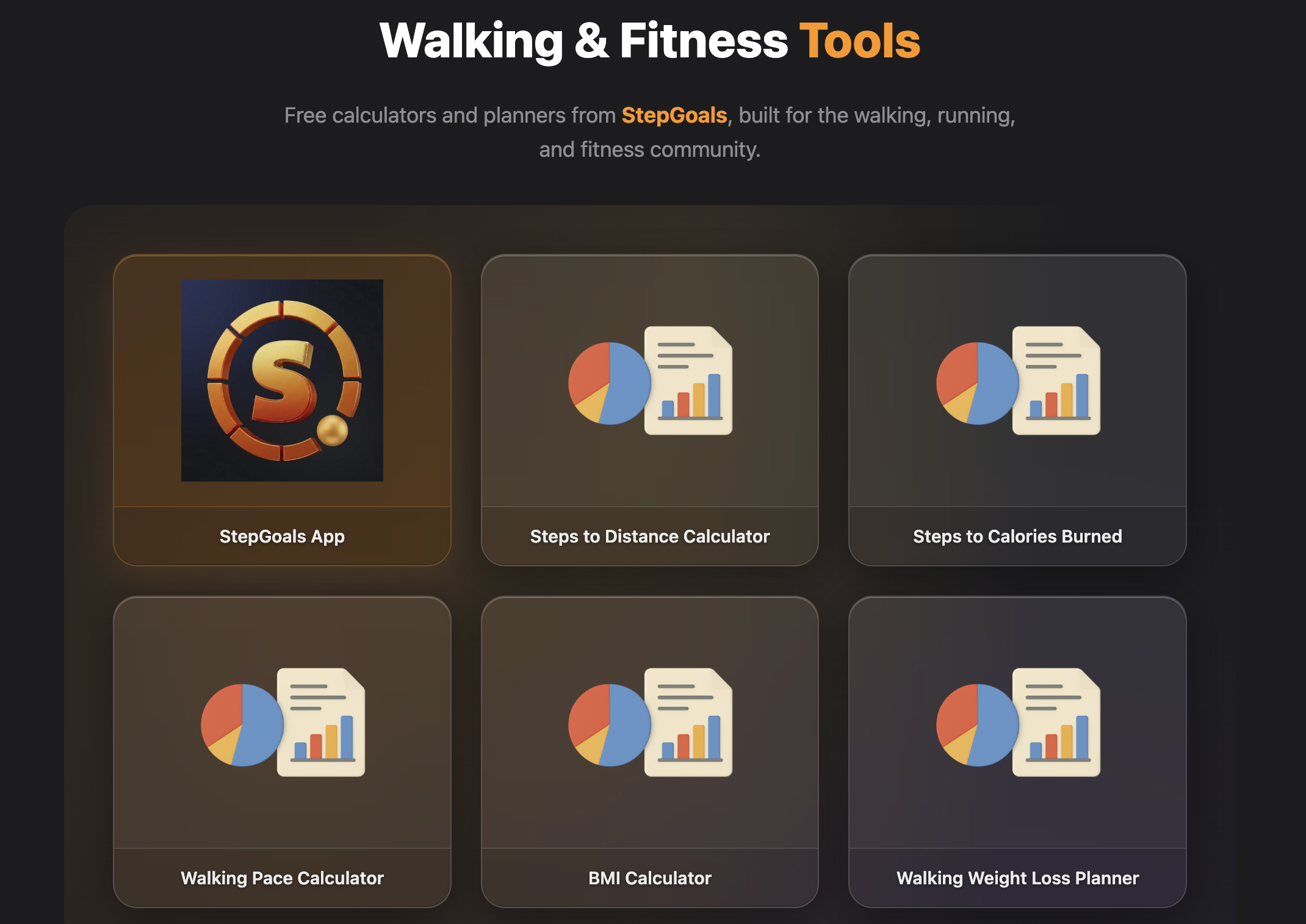
The StepGoals Tools section launches with nine calculators (and one app) covering the most common questions in walking and fitness:
- Steps to Distance — converts any step count to miles or kilometers using your height or a custom stride length. Uses established biomechanics research to estimate stride from height, or lets you enter your exact measurement for precision.
- Steps to Calories Burned — estimates calorie burn from steps based on your weight and walking pace, using MET (metabolic equivalent) values from the Ainsworth Compendium of Physical Activities.
- Walking Pace Calculator — calculates pace, time, or distance from any two of the three inputs. Useful for planning a route or working out how fast you need to walk to cover a target distance in a given window.
- BMI Calculator — standard body mass index with imperial and metric support, including context on what different ranges indicate.
- Walking Weight Loss Planner — projects weight loss over time based on a daily step goal and current weight. Shows the cumulative calorie deficit from walking and the approximate timeline to a weight target.
- Daily Step Goal Picker — recommends a step goal based on your current activity level and what you're trying to achieve, from maintaining general health to active weight loss.
- What Step Goal Should I Set? — a companion to the Step Goal Picker that approaches the question from a different angle, factoring in age, lifestyle, and fitness objective.
- How Long to Walk 10,000 Steps — estimates time based on pace. Useful for blocking out a walk on a busy day or understanding what a 10,000-step day actually demands in practice.
- Stairs & Floors Calorie Calculator — estimates calorie burn specifically from floors climbed, separate from walking. Stair climbing burns significantly more calories per minute than flat walking at the same pace, and this calculator quantifies that.
All tools are free, work in any browser, and require no account or download.
Built to Work Together
The tools are designed to flow naturally from one to the next, and each page links directly to its most relevant companions. A few common sequences:
If you're starting a walking routine for weight loss, the logical path is: What Step Goal Should I Set to find a realistic daily target → Steps to Calories Burned to understand the calorie impact → Walking Weight Loss Planner to see how that plays out over weeks and months. Three tools, one coherent picture.
If you're a regular walker trying to understand your distance, it's: Steps to Distance to convert your daily count → Walking Pace Calculator to see how your speed affects the results → How Long to Walk 10,000 Steps if you're planning around that benchmark specifically.
Nobody wants to start over from a search engine between related questions. Keeping these tools connected and cross-linked means you can work through a sequence without losing your train of thought.
Who These Are For
These calculators are useful at every stage of a walking habit. If you're just starting out, the Step Goal Picker and Weight Loss Planner give you a grounded place to begin — a goal that's realistic rather than arbitrary. If you're already active and curious about the data, the Steps to Distance and Steps to Calories tools turn your existing counts into something more tangible. If you're training for a race or building a structured walking plan, the Pace Calculator gives you the planning inputs you need.
They're also useful for anyone who tracks steps on an iPhone but has never looked closely at what those steps represent in distance or calories. Many people set a step goal — often the fabled 10,000 — without a clear sense of what hitting or missing it means in real terms. The calculators answer that directly.
How They Connect to the App
StepGoals tracks steps, distance, calories, floors, and active time automatically through Apple Health, all day, in real time, without any manual input. The calculators are the planning layer that sits alongside that. If you're asking how many steps you should walk a day before committing to a new goal, or if you want to understand what walking for weight loss actually requires in step terms, the tools give you the grounding to make that decision well.
For existing StepGoals users, the calculators offer a way to interrogate your own data, to understand what a strong week looked like in miles, or to see how close a day's calorie burn from walking came to a meaningful threshold. The app and the calculators are designed to inform each other.
Try the free calculators at stepgoals.app/Tools — and download StepGoals to track those steps automatically every day.
