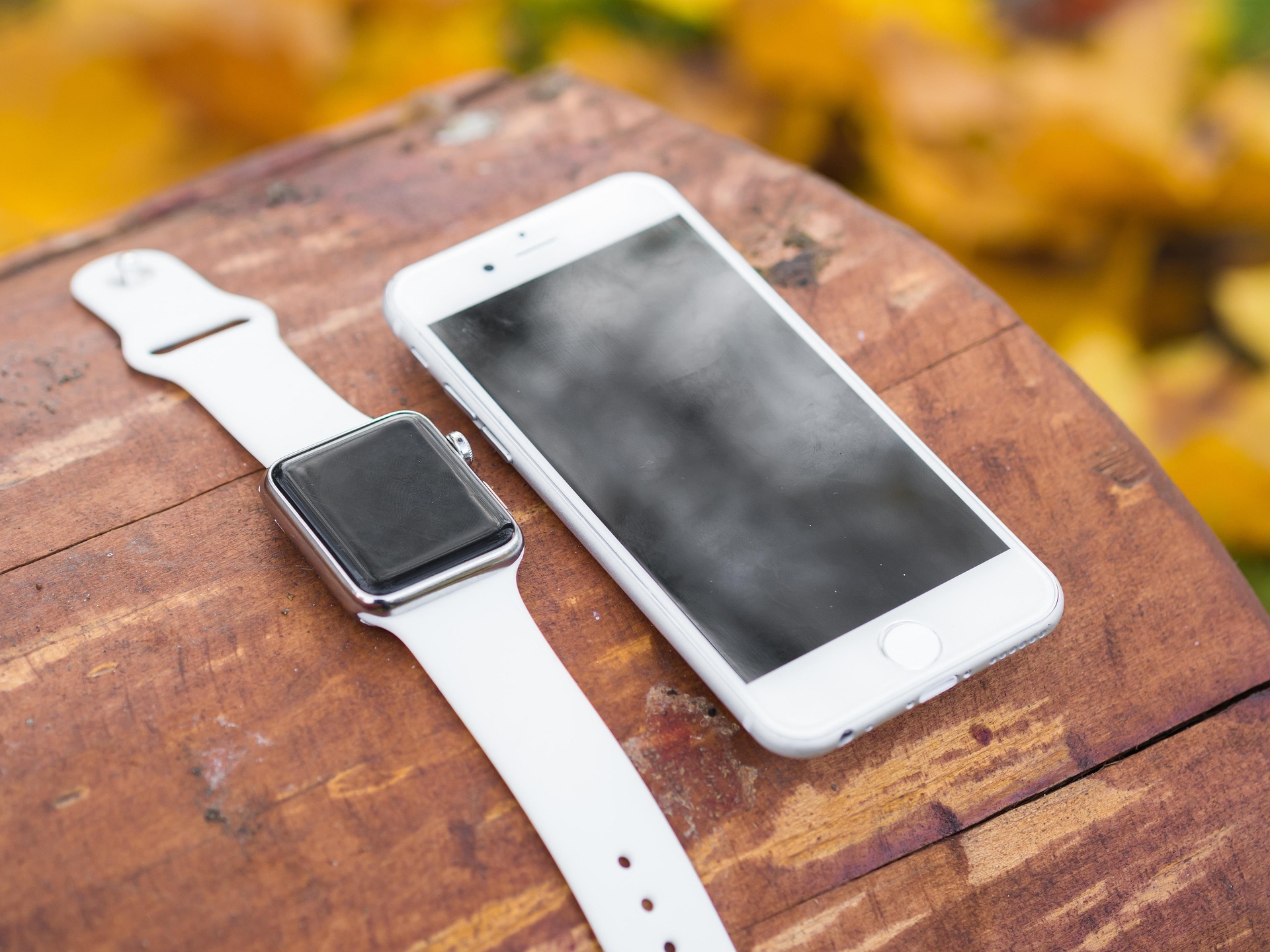
Apple Watch is the most widely used wearable on the planet, and for most iPhone users it doubles as a key step counter. But how accurate is that step count really? If you are working toward a daily step goal and making decisions about your health based on those numbers, accuracy matters. The reassuring answer is that Apple Watch's step counting is quite good under normal conditions, but certain factors can impact the results.
How Apple Watch Counts Steps
Apple Watch does not use a dedicated pedometer chip. It uses an accelerometer, which measures movement across three axes, combined with a gyroscope that tracks rotation and orientation. Apple's Core Motion framework processes those signals together, looking for the distinctive pattern of alternating arm swing and vertical bounce that characterises common human walking and running movements.
Wrist placement helps. The watch stays fixed to your body and knows it is being worn, which gives it a stable reference point. A phone might slide to the bottom of a bag, sit face-down on a desk, or stay still while you pace around a room. The watch moves with your wrist. That mechanical advantage is a significant part of why wrist-worn devices generally outperform phone-only step counting over the course of a day, a comparison covered in detail in Do I Really Need an Activity Tracker, or Is My Phone Enough?
What the Research Shows
Independent validation studies have consistently found Apple Watch to be among the most accurate consumer wearables for step counting. A 2018 treadmill validation study tested Apple Watch at different walking speeds against manual video counts and found a correlation of r=0.96, with a mean error of less than 0.1% at moderate walking pace. A 2020 systematic review in JMIR mHealth and uHealth evaluating multiple consumer wearables found Apple Watch ranked among the strongest performers for step counting validity across device types.
Accuracy in free-living conditions is somewhat lower than in controlled treadmill settings. A 2024 study comparing Apple Watch against a research-grade accelerometer in daily activities found a mean absolute percentage error of around 6%, a margin that is not meaningful for the purpose of tracking movement trends over time.
Where Apple Watch Under-Counts
The watch counts steps by detecting arm swing. When that signal is missing or reduced, the count drops too. Several common situations cause this:
- Pushing a stroller or shopping cart. Both hands are forward and relatively fixed. The characteristic arm swing that Core Motion looks for is largely absent. Studies have found undercounting of 10 to 30% in sustained pushing scenarios.
- Walking while carrying bags in both hands. Similar to stroller pushing, the arms have little freedom to swing. The more loaded the carry, the more steps get missed.
- Very slow shuffling. At paces under roughly 60 steps per minute, the signal patterns are less distinct and the algorithm has fewer data points per unit of time to work with.
- Treadmill walking while holding the handrails. The rails stabilise your upper body and suppress arm movement, leading to significant undercounting during the supported portion of the walk.
- Typing or scrolling on your phone while walking. A partially immobilised watch arm produces a weaker swing signature.
If any of these describe a regular part of your day, your true step count is probably higher than what the watch records.
Where Apple Watch Over-Counts
Over-counting is less common than under-counting for most people, but it does happen in specific situations.
- Expressive hand gestures. Animated conversation, cooking, or folding laundry can produce arm movements rhythmic enough to resemble walking cadence.
- Road vibration during a long bumpy drive. Sustained vibration transmitted through the seat and arm can accumulate phantom steps, particularly on rough roads.
- Repetitive manual tasks. Assembly work, washing dishes, or sawing wood can produce repetitive wrist movements that occasionally match the step pattern. (However this contant motion is a good indicator you are burning calories anyway.)
For most people these sources are minor. A few hundred phantom steps from an afternoon of cooking is not going to materially skew a 6,000 -10,000-step goal.
Apple Watch vs Other Step Counting Methods
| Method | Typical accuracy | Main limitation |
|---|---|---|
| Apple Watch | 95–98% (normal walking pace) | Drops when arm swing is restricted |
| iPhone alone (pocket) | 85–95% | Position-dependent; misses steps when left on a desk |
| Dedicated fitness band | 90–97% | Varies significantly by brand and algorithm |
| Research-grade pedometer | ~99% (reference standard) | Not practical for everyday use |
Apple Watch consistently sits near the top of consumer options. Its main edge over the phone is consistency: it is on your wrist every step you take, not sitting in your bag while you walk to a meeting. Your actual step count from Apple Watch is a reliable proxy for your real-world activity, and if you want to understand how your step count translates to distance, the stride length calculator can help you calibrate that conversion for your height and pace.
How Accuracy Affects Your Step Goal
For most habit-tracking purposes, the small error margin does not matter much. The goal of a daily step count is to give you a consistent, comparable signal: are you moving more or less than usual? Are you hitting a threshold associated with better health outcomes? Those questions survive a 3% measurement error with no problem at all.
Where accuracy starts to matter more is in calorie estimation. Steps are converted to calories using your pace, stride length, and body weight. A consistent undercounting of 10 to 15% because you push a stroller every morning translates to a noticeably underestimated calorie burn. If precision matters to you, tracking GPS sessions for your active walks gives you a separate, more reliable distance measurement that is independent of step counting altogether. The research on daily step targets also puts the accuracy question in context: the health benefits of walking are associated with reaching certain thresholds, not with hitting a precise number.
StepGoals and Apple Watch Accuracy
StepGoals app reads your step count directly from Apple Health, which automatically consolidates data from both your iPhone and Apple Watch. Apple Health applies its own deduplication logic to prevent both devices from counting the same steps twice, so the number StepGoals displays reflects Apple's best composite estimate of your daily total.
The value of using a dedicated iPhone step tracking app on top of Apple Health is what happens with that number once you have it. StepGoals' Motivation Box turns your raw step count into live, proximity-based coaching: rather than showing you a distant daily target, it identifies the next achievable step milestone based on your own history and shows exactly how long it will take to reach it. Streak tracking keeps you consistent across days. GPS Sessions let you record individual walks with route, pace, and distance, separate from the passive step count, giving you a precise record of your intentional walking even on days when the step count undershoots your actual effort. For a closer look at the Apple Watch experience in StepGoals, see StepGoals on Apple Watch.
The Bottom Line
Apple Watch counts steps accurately enough for everything daily habit tracking asks of it. During normal walking, it performs within 2 to 5% of research-grade instruments. The main reliability gap is arm swing: slow walks, stroller pushes, and loaded carries can undercount by 10 to 30%. Over-counting from gestures and vibration is real but minor for most people.
None of that changes the core utility of the number. A consistent wrist-based step count, measured the same way every day by the same device, gives you a reliable picture of your movement patterns over time. That consistency is more valuable than perfect precision.
Download StepGoals free and put your Apple Watch step count to work.
